
Turn any flat screen into 3D
If you have ever designed content for screens, you will learn Illusio 3D very fast. Photograph your screen, mark corners, design, export.
No sign-up. Opens in your browser. Desktop only.
Examples
Made with Illusio 3D
People stop and look. That's the whole point of the format, and it works on your screen too.


Why
Why most screens stay flat
The idea was never the expensive part.
Production cost
Each 3D illusion takes days of work to produce, so even a single asset gets expensive. On-site previews require a separate process.
With Illusio 3D
Easy to learn and built for speed: you can create deliverable assets in hours instead of days. On-site previews are one button click away. The software is free to use, and you only pay for clean exports. You pay as you go, no subscription needed. Credit packs start at 49€.
Technical overhead
Naked-eye 3D content is usually handcrafted in 3D software. Only a small number of 3D artists have the skills to build impactful anamorphic illusions, and corner screens or video walls make it even harder.
With Illusio 3D
Anyone with an eye for design can use Illusio 3D. One photograph, set corners and the perspective math is done for you. Export MP4 at the screen's own size. Corner screens and multi-screen displays work the same way, with a file for each screen.
Reuse of assets
3D illusions are usually built for one screen in one spot. A campaign that runs in several locations, on portrait, landscape and corner screens, means building each version again from zero.
With Illusio 3D
Import objects from previous projects. Repurposing an illusion for another format is quick, since the technical overhead is done for you. Client revisions stay smooth too, with a fresh on-site preview for every round.
How it works
Four steps
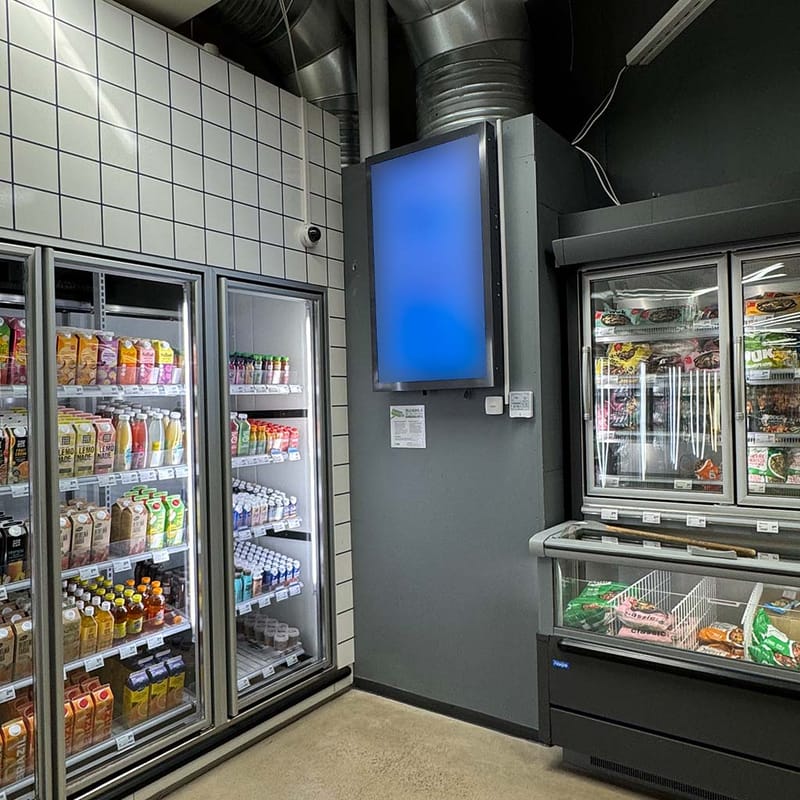
Photograph
Take a photo from where your audience stands.
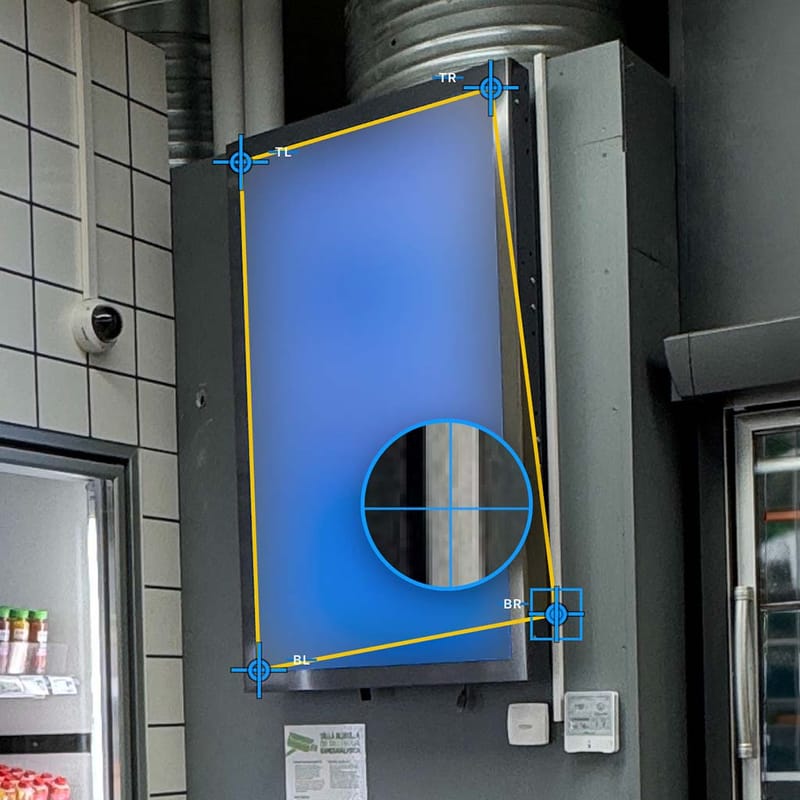
Calibrate
Click the corners and calibration is done. Tweak manually if needed.
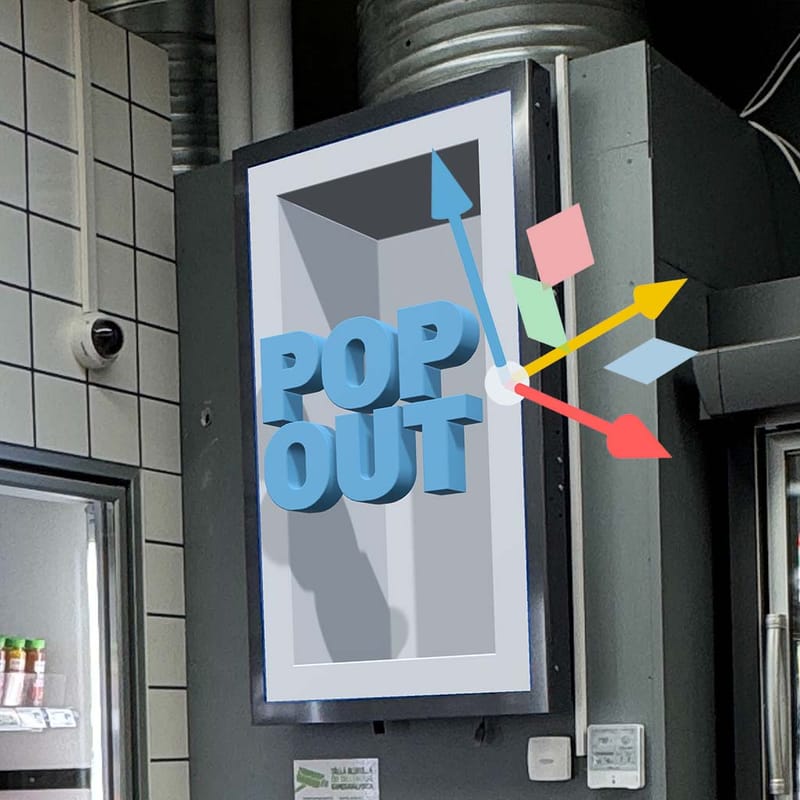
Design & Animate
Build the scene. Use our animation presets or tweak keyframes.
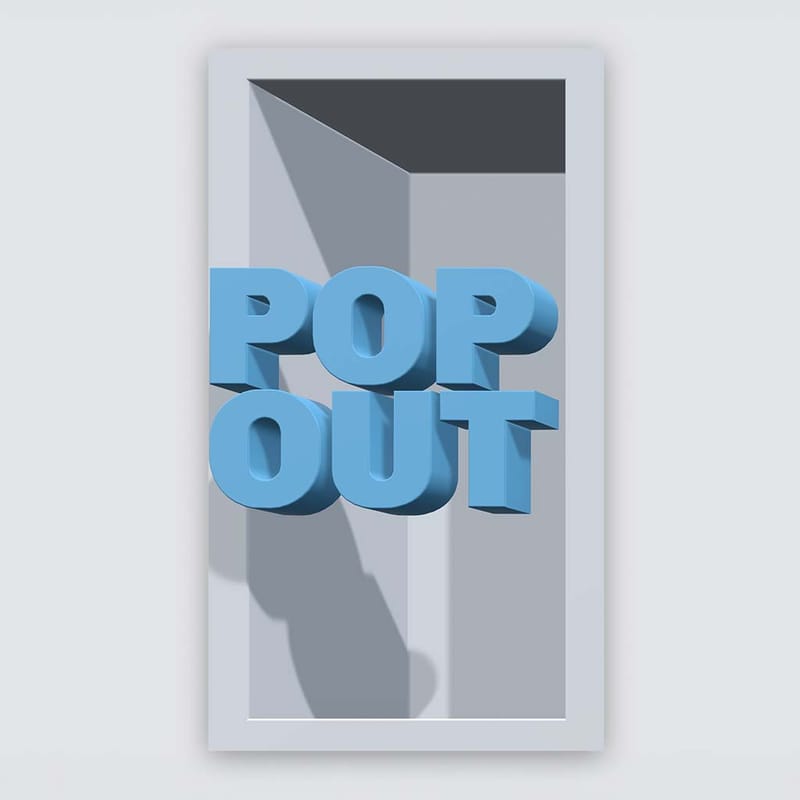
Export
One button export, PNG or MP4. Put it on the display.


No photo? Safe mode works from your screen dimensions.

Who made this
Built by Santeri Salmi, a 3D artist who has made these campaigns for years.
Naked-eye 3D has so much friction that even 3D artists avoid it. Illusio 3D takes that friction out, so you can make it yourself.
Everything built into it comes from real client jobs, with briefs already signed and deadlines already promised.
Screen-side constraints built in
Aspect, viewing distance and the angle the crowd actually stands at.
Output the operator will accept
Plain PNG and MP4 at the screen's own size. Nothing to convert.
Pricing
Pay per export. No subscription.
The app is free to use, and stills are free for personal and non-profit use. Commercial use and clean video come with a credit pack, valid for 1 year from purchase.
Credit pack
49€20 credits
- 2 clean video exports
- or 1 clean multi-screen video
- or 4 clean on-site previews
- Transparent video and motion blur in the export
- Commercial use rights for 1 year
- Unlimited watermarked video for 1 year
Credit pack · Recommended
119€60 credits
- 6 clean video exports
- or 3 clean multi-screen videos
- or 12 clean on-site previews
- Transparent video and motion blur in the export
- Commercial use rights for 1 year
- Unlimited watermarked video for 1 year
- Save 28€
Credit pack
349€200 credits
- 20 clean video exports
- or 10 clean multi-screen videos
- or 40 clean on-site previews
- Transparent video and motion blur in the export
- Commercial use rights for 1 year
- Unlimited watermarked video for 1 year
- Save 141€
| Compare | StillsFree | VideoFrom 49€ | TeamsLicensingGet in touch |
|---|---|---|---|
| The app | |||
| Four-corner calibration and safe mode | |||
| Keyframe timeline and video import | |||
| Corner screens and dual export | |||
| Clean PNG export, no watermark | |||
| Multi-screen displays and video walls | |||
| Transparent video and motion blur in the export | |||
| Commercial use rights | With a credit pack | ||
| Video | |||
| Unlimited watermarked video export | With a credit pack | No watermarks | |
| Watermarked on-site preview video export | With a credit pack | No watermarks | |
| Clean video export | 10 credits | Unlimited | |
| Clean multi-screen video | 20 credits | Unlimited | |
| Clean on-site preview video export | 5 credits | Unlimited | |
| Cloud projects | With a credit pack | ||
| Import objects from your other cloud projects | With a credit pack | ||
| Teams and agencies | |||
| Screen presets for the screens you work with | |||
| Multi-seat for your team, your clients or your advertisers | |||
| Shared cloud projects | |||
| Brand-specific builds | |||
| Priority support and onboarding | |||
Prices exclude VAT. Checkout is not open yet. Until it is, video and commercial use are arranged directly with Santeri Salmi.
FAQ
Quick answers
- Is it free?
- The app is free to use for everyone. Stills and clean PNG exports are free for personal and non-profit use. Commercial use and clean video come with a credit pack, which also unlocks unlimited watermarked video and cloud projects for 1 year.
- How much does it cost?
- Any current illusion type (single screen, corner screen or multi-screen display) can be created with the 49€ credit pack. Watermarked exports are unlimited for 1 year after purchase.
- Do I need 3D skills to use it?
- No 3D skills needed. We tried to make it as simple as possible. How did we do?
- Does it work from any angle?
- No. The illusion works from the spot you photographed from. Without a photo, safe mode uses a straight-on view, which works for most uses, including social media.
- Which screens work?
- Flat screens, corner screens, video walls and multi-screen displays. If you can photograph it, it works.
- How do video walls or multi-screen displays work?
- Set the grid: screens across, screens down and the gap between them. Then design one scene across the whole wall. Export a file per screen, named by row and column, or the whole wall as one file. The scene continues behind the bezels, so nothing jumps at the joins.
- What video can I bring in?
- MP4, MOV and WebM clips all work, and they play inside the illusion. For transparent video, use WebM with VP8 or VP9.
- Is this AI?
- No. You make every choice and the app handles the perspective math. We used AI to help build the app, and none of it runs inside. No AI touches your work, so nothing Illusio 3D adds to it needs an AI label under the EU AI Act.
- Can I use it on my phone?
- Desktop only. You need a mouse to calibrate the image accurately and to navigate in the 3D space.
- What are these illusions called: naked-eye 3D, anamorphic or trompe l'oeil?
- All three. Trompe l'oeil, French for "deceive the eye," is the goal: make a flat surface look deep, as Roman painters did on the walls of Pompeii. Anamorphic is the method: the image is distorted on purpose so it only resolves from one spot, like the stretched skull in Holbein's The Ambassadors from 1533. Naked-eye 3D is the name LED screens made popular around 2020, because it needs no glasses.